
 Published By Cleartwo
 21st October 2026
 12:23 PM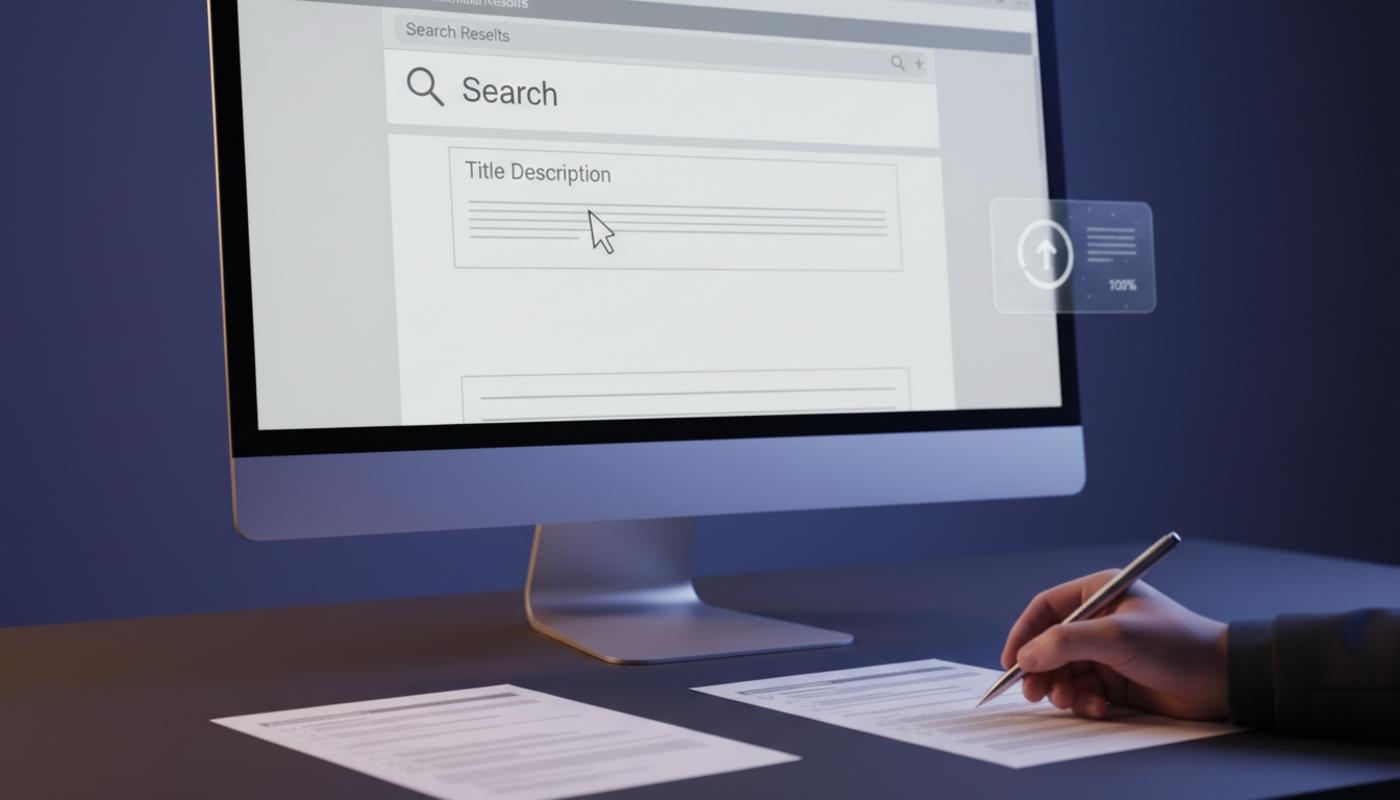
Meta Descriptions And CTR
Meta descriptions can help improve click through rate, often shortened to CTR, by giving searchers a clear and relevant reason to click your result instead of another one. If a page gets impressions in Google but people keep choosing a competitor, the snippet may not be doing enough to explain the value of the page.
Meta descriptions do not directly control Google rankings, but they work like short search result copy. They help people understand what your page offers before they visit, so the strongest descriptions match search intent, summarise the page accurately, include the main topic naturally, and make the next step feel worthwhile.
A meta description is the short page summary that may appear below your title in search results. Google may use your written description, or it may create a different snippet from visible page content if that better answers the search. That is why the best approach is to write helpful page information and make sure the page itself clearly supports the promise made in the snippet.
For UK businesses trying to earn more qualified organic traffic, better snippets can make a noticeable difference. C2 Marketing helps businesses improve SEO, copywriting, content structure, and search performance through practical, data led work that focuses on what users actually need before they click.
What Is A Meta Description?
A meta description is a brief summary of a web page that sits in the page metadata. Metadata simply means the behind the scenes information that helps search engines understand the page, and it is usually added through your CMS, such as WordPress, Shopify, Wix, or another website platform. In HTML, it looks like this: <meta name="description" content="Your concise page summary goes here.">.
In a search engine results page, the meta description often appears underneath the blue title link and URL. It is separate from the SEO title tag, URL slug, on page introduction, and social sharing description. Social platforms may use other metadata, such as Open Graph descriptions, which help control how links appear when shared on social media, so your Google snippet and social preview are not always the same.
The purpose is simple: help the right person decide whether your page is worth visiting. If someone only had one sentence to judge your page, that sentence needs to make them feel confident enough to click. That is the job your meta description has to do.
Do Meta Descriptions Directly Affect Rankings?
Meta descriptions are not a direct ranking control in Google. Writing a better description does not automatically move a page from position six to position one. Google's own guidance explains that snippets are created from page content and may use the meta description when it provides a useful summary.
The value is still important because a stronger snippet can improve organic click through rate. If two results appear close together, the one with the clearer benefit, better relevance, and more trustworthy wording is more likely to win the click. Better CTR can also mean better traffic quality because users arrive with more accurate expectations.
It is safest to think of a meta description as conversion copy for search results. It helps turn impressions into visits, but it should work alongside strong titles, useful content, technical SEO, and a good user experience. If you're trying to improve visibility without guessing, C2 Marketing's SEO services can help you look at the bigger picture as well as the smaller details.
Why Google Rewrites Meta Descriptions
Google does not have to show the meta description you write. It may generate a different snippet when the page text appears to answer the query more directly. You might notice this for one search but not another, because different users may be looking for different details on the same page.
Common reasons for rewrites include descriptions that are too generic, duplicated across several pages, stuffed with keywords, or not aligned with the visible content. Google may also replace a description if the page contains a sentence that better matches the search query, which is why metadata and on page copy need to support each other.
You cannot fully prevent rewrites, but you can reduce the likelihood. Make each description unique, accurate, and specific to the page. Avoid boilerplate wording, put the most useful information near the beginning, and make sure the page itself includes clear passages that reflect the main search intent.
The Anatomy Of A High CTR Meta Description
A high CTR meta description usually contains five simple elements: topic, audience or problem, outcome, differentiator, and action. The topic tells the user what the page covers, while the outcome explains what they will learn, compare, buy, or achieve if they click.
The differentiator is what makes your page more useful than the next result. That could be a checklist, expert examples, current product details, local information, pricing guidance, or a practical process. The action should feel natural, such as learn, compare, explore, browse, or get the checklist.
A useful formula is: learn how to achieve an outcome with a specific method or resource, then get a clear benefit from a practical guide, checklist, or template. You do not need to follow that structure every time, but it helps keep your copy focused and user led.
How Long Should A Meta Description Be?
There is no fixed Google meta description character limit. Search snippets are affected by pixel width, device type, query, result layout, and whether Google chooses your text or a page excerpt. A description that looks complete on desktop may be cut shorter on mobile.
As a practical writing guideline, many descriptions work well at around 120 to 160 characters. Treat that as a usability range, not a rule. The most important point is to front load the main topic, benefit, and any essential qualifier so the meaning still works if the end is hidden.
Before publishing, preview your search result snippet where possible. Check whether the opening words clearly explain the value of the page. If the key promise only appears at the end, rewrite it so the strongest reason to click appears early.
How To Write Meta Descriptions That Feel Click Worthy
Start with search intent. What is the person really trying to do? If the query is informational, your description should promise a clear answer or explanation. If the query is commercial, help the user compare options, understand features, or make a better decision. If the query is transactional, include useful buying details such as product type, availability, delivery information, or the next step, but only where accurate.
Next, state the page's specific value. Avoid empty lines such as “Learn more about our services” because they give the searcher no real reason to choose you. Mention the exact outcome, resource, product, service, or decision the page supports. A service page might focus on the problem solved, while a blog post might focus on what the reader will understand by the end.
Use the primary keyword naturally, but never force it. Matching words may be bolded in search snippets, which can help users spot relevance quickly. However, keyword stuffing makes descriptions look messy and less trustworthy, especially when space is already limited.
Use active language that tells people what they can do. Words such as compare, learn, choose, calculate, explore, improve, and discover are more useful than vague claims such as amazing, world class, or unbeatable. If you add a call to action, make it fit the intent rather than forcing sales language into an educational search.
Meta Description Examples By Page Type
For a blog post, the goal is usually to promise a useful answer. A weak example would be: “Read our blog about meta descriptions and SEO.” A stronger version would be: “Learn how to write meta descriptions that earn more clicks with practical formulas, examples, length tips, and a simple CTR testing process.” The better version works because it tells the reader exactly what they'll get and why the page is useful.
For a product page, include the product name and one or two decision making details. For example: “Shop cotton blackout curtains in modern colours and sizes. Compare styles, check delivery options, and find the right fit for your room.” For an ecommerce category page, focus on range, selection criteria, and useful filters rather than trying to describe every item.
For a service page, state who it helps and what outcome it supports. A weaker version might say: “We provide SEO services for businesses.” A clearer version would be: “SEO support for UK businesses that want clearer search visibility, better content, and practical improvements based on real performance data.” This works because it speaks to a real goal, not just a service label. If you need help strengthening service page copy, C2 Marketing's copywriting support can help turn plain summaries into clearer conversion focused messaging.
For a homepage, avoid cramming in every service and keyword. Summarise who you are, who you help, and the main reason people should trust you. For a location page, include the service and area, but make each description genuinely local rather than swapping only the town name across dozens of pages.
Common Meta Description Mistakes To Avoid
One of the biggest mistakes is writing descriptions for search engines rather than people. A keyword list such as “SEO agency, SEO services, SEO company, SEO experts” does not explain value or build confidence. It also looks less natural than a sentence that explains the benefit of the page.
Duplicate descriptions are another common issue, especially on large sites. If several pages have the same summary, search engines and users get less clarity about which page is relevant. Prioritise unique descriptions for high value URLs, such as the homepage, main service pages, best selling products, category pages, and pages with high impressions.
A misleading description can hurt trust. Do not mention discounts, guarantees, rankings, stock, delivery promises, or dates unless the page confirms them. If the content changes, update the description so users do not arrive expecting something that is no longer there.
How To Measure Meta Description CTR Performance
The best place to measure performance is Google Search Console. Look for pages with high impressions, clear query relevance, and lower than expected CTR for their average position. CTR varies by ranking position, brand demand, search intent, device, and search result features, so avoid chasing one universal benchmark.
Record a baseline before making changes. Note the date range, page URL, main queries, impressions, clicks, CTR, average position, and device split where useful. Then rewrite the description and record the publication date so you know when the test started.
Try not to change too many SEO elements at the same time. If you update the title tag, page copy, internal links, and meta description together, it becomes harder to understand what influenced the result. After a suitable period, compare before and after performance while considering seasonality, ranking changes, and shifts in demand.
If you want to build a clearer testing process, the recent C2 Marketing article on running an A/B test explains how to compare changes more carefully. For SEO snippets, you may not get perfect test conditions, but a structured approach is still far better than guessing.
How To Manage Meta Descriptions At Scale
Large websites do not always need every description written manually from scratch. If you manage hundreds or thousands of products, locations, or articles, page specific templates can help. The key is to use useful variables such as product name, category, location, size, material, price range, or key attribute.
A poor template says the same generic thing on every URL. A better template creates readable, page specific summaries that still feel natural. For example, a product template might combine product type, main benefit, key specification, and delivery detail, but only if those fields are accurate for that item.
Manual review should still be used for priority pages. Check for missing variables, duplicated text, awkward phrasing, outdated claims, and truncation problems. For small businesses, it often makes sense to begin with the pages that already receive impressions, because those are closest to earning more clicks.
Meta Description Checklist
Before publishing, run each important description through a quick quality check. The aim is not to make every snippet sound clever. It is to make each one clear, accurate, relevant, and useful enough to win the right click.
Check that the description is unique to the page, accurately summarises the visible content, and matches the search intent behind the target query. Make sure the main topic is clear in the opening words, the keyword is included naturally, the benefit is specific, and the call to action fits what the user wants to do.
You should also check that every claim is factual, current, and supported on the page. The first 120 characters should make sense on their own, because snippets may be shortened, and performance should be reviewed in Google Search Console after the change has had time to gather data.
Meta descriptions are only one part of stronger organic performance, but they sit at a crucial moment in the user journey. If your page appears in search but the snippet does not give people a reason to click, you may be leaving valuable traffic behind. C2 Marketing works with businesses that want practical, transparent support across SEO, content, paid media, and websites through digital marketing that connects visibility with results.
Final Thoughts
Meta descriptions are small pieces of copy with a big job. They do not directly control rankings, and Google may rewrite them, but they can influence how many people choose your result when it appears. The strongest descriptions are accurate, specific, intent led, and written for real people rather than algorithms.
If you're not sure where to start, review the pages with the highest impressions first. Write a clear benefit near the start, avoid exaggerated claims, and measure performance with Search Console. Over time, this gives you a more reliable way to improve organic click through rate without guessing.
Treat every important snippet as a short promise, then make sure the page delivers on it. If you'd like help improving priority snippets, C2 Marketing can help you spot the biggest opportunities and turn them into clearer, more useful search results.
Frequently Asked Questions
What Is The Ideal Meta Description Length?
There is no fixed Google limit, but around 120 to 160 characters is a useful starting point. Put the main benefit early so the message still works if it is shortened.
Do Meta Descriptions Improve Rankings?
Meta descriptions are not a direct ranking factor. They can still improve CTR by making your search result more relevant, helpful, and appealing to the right searcher.
Why Is Google Not Showing My Meta Description?
Google may use visible page text instead if it believes that text better matches the search query. This is common when descriptions are generic, duplicated, or less relevant than the page content.
Should Every Page Have A Meta Description?
Important pages should have unique, accurate descriptions. For very large sites, prioritise high value pages and use careful templates where manual writing is not practical.
Should I Include A Keyword In My Meta Description?
Yes, if it reads naturally and helps show relevance. Avoid repeating keywords awkwardly because clear human wording usually earns more trust.