
 Published By Jessica
 22nd November 2026
 11:30 AM
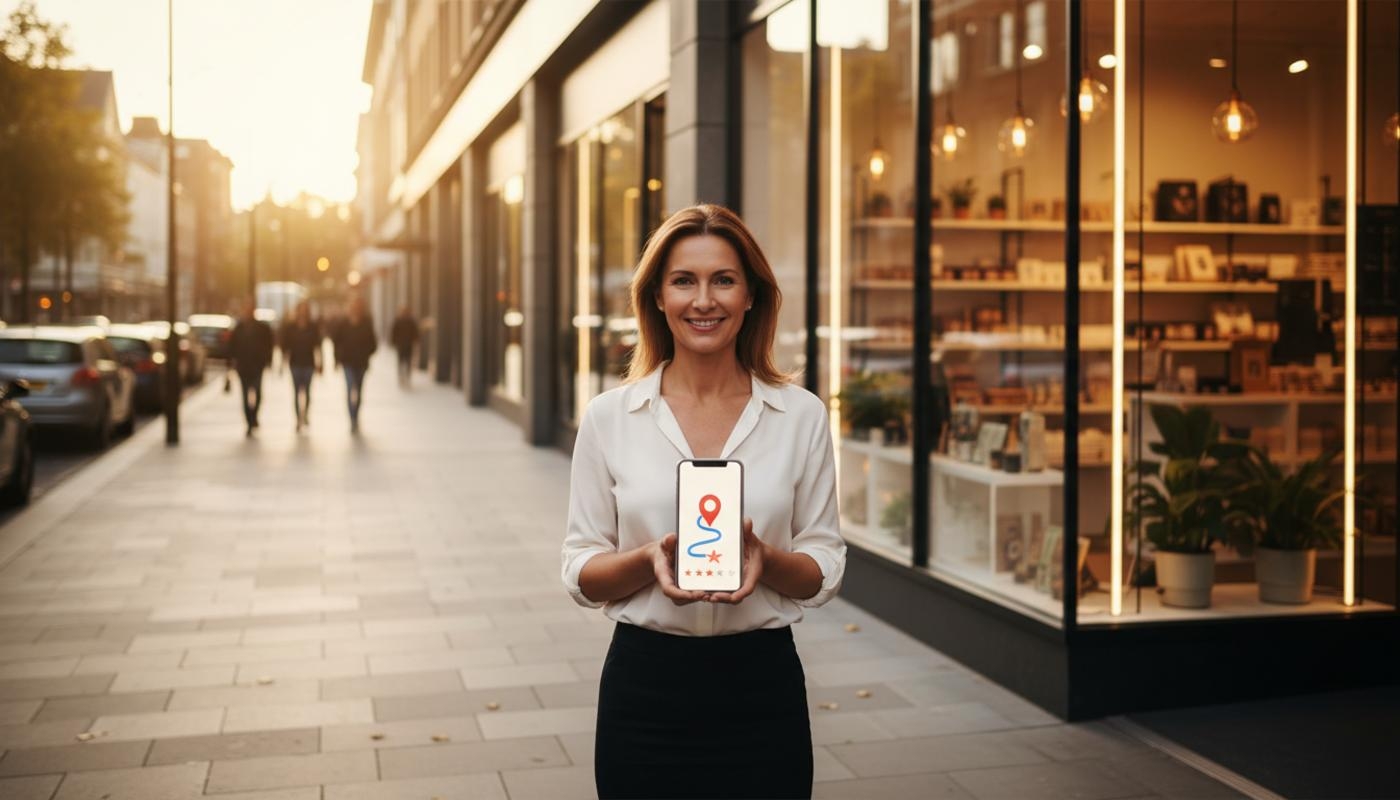
Optimise Google Business Profile For Maps
To optimise Google Business Profile for Maps, claim and verify your profile, use accurate business details, choose the right categories, add services, upload strong photos, earn genuine reviews and monitor performance regularly. Google mainly uses relevance, distance and prominence to decide Maps visibility, so the aim is to make your profile accurate, useful and trustworthy for both Google and potential customers.
If you have ever wondered why your listing appears one day and drops the next, you are not alone. A well managed Google Business Profile can help people find your business when they search for nearby services, shops, restaurants, trades or professional support. It can also drive calls, website visits, direction requests, messages and real visits to your premises. For many local businesses, it is one of the most important parts of local search visibility.
It is important to be realistic. Optimisation can help Google understand your business and show it for more relevant searches, but it cannot guarantee the top position for every searcher. Someone standing around the corner may see different Maps results from someone searching five miles away, even if they use the same words.
C2 Marketing helps UK businesses improve local visibility through practical SEO, website, content and digital marketing support. By combining clear strategy with data led insight, C2 Marketing helps businesses turn their online presence into more enquiries, visits and measurable results.
What Affects Google Maps Rankings?
Google explains that local results are mainly influenced by relevance, distance and prominence. Relevance is how well your profile matches what someone is searching for. Distance is how close your business is to the searcher or the location used in the search. Prominence is how well known and trusted your business appears to be online.
Google's own Google Business Profile guidance says businesses can improve local ranking by keeping information complete, accurate and up to date. This includes verification, opening hours, reviews, photos and clear business details. These areas do not work like quick tricks, but they do help Google and customers understand what you offer.
The part many business owners cannot control is distance. If you run a bakery in Stockport, you may appear strongly for someone nearby, but less often for someone searching from another town. That does not mean your profile is failing. It means Maps results are personalised around location, intent and competition.
Claim And Verify Your Google Business Profile
The first practical step is to claim and verify your Google Business Profile. Claiming means taking control of the profile, while verification proves you are authorised to manage it. Without verification, you may not be able to edit important details or access useful performance information.
Use the correct Google account, ideally one linked to the business rather than a personal account that may be lost when staff change. Search for your business before creating a new profile, as an existing listing may already be live. If there are duplicate profiles, deal with them carefully because duplicates can confuse customers and weaken your local presence.
Once verification is complete, check every field before focusing on extra features. A profile with the wrong phone number, old opening hours or a misplaced map pin can lose customers quickly. Accuracy comes before decoration, especially when people are searching on mobile and ready to act.
Use Your Real Business Name
Your business name should match how customers see your business in the real world. Do not add extra locations, services or phrases just to influence Google Maps SEO. For example, a business called Green Oak Dental should not change its profile name to Green Oak Dental Emergency Dentist Manchester Best Dentist Near Me.
Keyword stuffed names may look tempting because some businesses appear to benefit from them, but they can breach Google's representation guidelines. They also make the brand look less trustworthy to customers. A clean, accurate business name is safer, more professional and better for long term visibility.
Choose The Right Categories
Categories are one of the strongest relevance signals in Google Business Profile optimisation. Your primary category should describe what your business is, not every service you offer. A plumber should usually choose a plumbing related primary category rather than trying to cover heating, bathrooms, drainage and emergency callouts all at once.
Secondary categories can be useful when they genuinely reflect your business. A hotel with a restaurant may add a restaurant category if that service is real and available to customers. Avoid selecting categories just because others use them, as irrelevant categories can create confusion and may reduce the quality of your profile.
If you are unsure, start with what customers would call your main service. Look at your core offer, the wording customers use and the categories Google provides. For more detailed local search support, C2 Marketing's SEO services can help connect your profile, website and wider search strategy.
Complete Every Important Business Detail
Your name, address and phone number should be consistent across your profile, website and other trusted online listings. This consistency helps customers and search engines feel confident that the information is correct. If you move premises, change phone numbers or update your website, change the details everywhere as soon as possible.
Opening hours are especially important for Google Maps users. Customers want quick, accurate answers before they call, visit or ask for directions. Add your regular hours, then update bank holidays, seasonal closures and temporary changes. Incorrect hours create frustration and can lead to negative reviews, wasted journeys and lost trust.
If customers visit your location, use a real address and make sure the map pin is accurate. If you travel to customers instead, set a service area and hide the address where appropriate. Service area businesses should be honest about where they operate, rather than listing towns they do not realistically cover.
Add Services, Products And Attributes
Services and products help Google understand what your business offers and help customers decide if you are a good fit. Use clear customer language rather than internal terms that only your team understands. A garage might list MOT testing, brake repairs, tyre fitting and car servicing, each with a short description.
Attributes also improve the customer experience. These can include accessibility features, payment options, outdoor seating, delivery, collection or appointment availability, depending on your business type. Only choose attributes that are genuinely accurate, as misleading information can damage trust very quickly.
Your business description should explain what you do, who you help and where you operate. Keep it natural and useful, not packed with repeated keywords. Mention key services and locations where they fit, but focus on clarity rather than trying to force every search term into one paragraph.
Use Photos That Build Trust
Good photos make a Google Maps listing feel more real and reliable. They help customers recognise your premises, understand your work and feel more confident before contacting you. For shops, restaurants and clinics, exterior photos can also help people find the entrance when they arrive.
A strong photo set may include your exterior, reception area, team, products, services in progress, completed work, menus, facilities and branded vehicles. Tradespeople can show recent work, tools, vans and before and after results where appropriate. Hospitality businesses should keep menus, rooms, food and facilities current.
Photos should be clear, well lit and realistic. Avoid heavy filters, stock images or misleading angles that do not represent the real customer experience. Check how your business looks to a new customer on Maps, then update images whenever your branding, premises, team or services change significantly.
Build Genuine Google Business Profile Reviews
Reviews are important because they influence trust and can contribute to prominence. A business with recent, detailed and genuine feedback often looks more appealing than one with no reviews or many unanswered complaints. However, there is no universal number of reviews that guarantees a higher Maps position.
Ask customers for honest feedback after a genuine interaction. You can use a direct review link, email, receipt message or QR code, but do not pressure people into leaving only positive comments. Never write reviews for customers, offer rewards for reviews or ask staff to manipulate ratings.
Respond to reviews professionally, including negative ones. It can feel frustrating when a review seems unfair, but a calm reply is often more powerful than a defensive one. Thank happy customers, mention useful context where appropriate and deal with complaints carefully. A thoughtful reply shows future customers that your business listens and takes service seriously.
Connect Your Website And Local Signals
Your Google Business Profile should not work alone. Your website should support the same details, including your address, phone number, opening hours, service areas and main services. If your profile says you offer bathroom fitting but your website barely mentions it, that creates a weaker local search signal.
Create useful service and location pages where they genuinely help customers. Do not create thin pages for every nearby town if you do not serve them properly. Instead, focus on helpful information, clear contact details, strong calls to action and proof that your business serves the local area.
Wider local signals can also matter. Mentions from local organisations, industry bodies, suppliers, charities, events or trusted directories can support prominence when they are legitimate. For more background on local ranking, C2 Marketing's local search articles explain local visibility in plain English.
Monitor Google Business Profile Performance
Google Business Profile insights show how people find and interact with your listing. Useful metrics include Maps views, Search views, calls, website clicks, direction requests, messages and search queries. These figures help you see whether visibility is turning into customer action.
Do not judge performance from one quiet day. Local search can change due to weather, season, competition, holidays and customer behaviour. Review trends each month and compare them with changes you made to the profile, such as new photos, updated services or improved opening hours.
If views rise but actions stay low, your profile may not be convincing enough. Check your photos, reviews, services, contact options and website landing page. If actions are strong for only one service, that may show where customer demand is strongest and where your content should be improved next.
Common Google Maps Optimisation Mistakes
Many Google Maps problems come from over optimisation rather than under optimisation. It is easy to feel unsure about what Google wants, especially when results keep changing. The safer route is accuracy, consistency and useful information. Google Business Profile optimisation should make your listing clearer, not more confusing.
- Adding keywords to the business name instead of using the real name
- Choosing irrelevant categories to chase extra searches
- Creating duplicate profiles for the same location
- Using an address where customers cannot visit
- Listing service areas the business does not actually cover
- Ignoring negative reviews or replying defensively
- Uploading stock photos that do not show the real business
- Forgetting to update holiday hours and contact details
If your profile is suspended, edits are rejected or your listing is not appearing, start with compliance. Check your name, address, categories, website, duplicate listings and verification status. Most issues are easier to fix when your profile clearly represents the real business.
A Simple Monthly Optimisation Routine
A good profile does not need daily tinkering, but it should not be left untouched for months. Set aside time each month to check your details, review customer actions and make useful updates. This keeps your profile fresh without turning optimisation into a guessing game.
- Check your phone number, website, address and map pin
- Update regular hours and special hours
- Respond to all new reviews
- Add recent, accurate photos
- Review search queries and customer actions
- Check services, products and attributes are still correct
- Look for incorrect user suggested edits
- Record changes so performance trends make sense later
This routine is simple, but it works because it focuses on the things customers actually notice. If your profile is accurate, helpful and active, it gives Google and searchers stronger reasons to trust it. That is the foundation of better local search visibility.
Final Thoughts
Optimising Google Business Profile for Maps is not about gaming the system. It is about making your business easy to understand, easy to contact and easy to choose. The strongest profiles are accurate, complete, visually useful, regularly maintained and supported by genuine customer reviews.
Focus first on the essentials: verification, categories, contact details, hours, services, photos and reviews. Then use performance data to see what is working and what needs attention. When your profile, website and wider local presence all support the same message, your business has a much stronger chance of appearing for relevant local searches and turning those searches into real enquiries.
Frequently Asked Questions
How Long Does Google Maps Optimisation Take?
Profile changes can appear quite quickly, but ranking improvements depend on relevance, distance, prominence, competition and verification. It is best to review monthly trends rather than worry if nothing changes overnight.
Should I Add Keywords To My Google Business Profile Name?
No, your profile name should match your real world business name. Adding keywords, locations or promotional phrases can breach Google's guidelines and may make your listing look less trustworthy.
How Many Google Reviews Do I Need To Rank Higher?
There is no fixed number that guarantees better rankings. Focus on earning genuine, regular reviews and replying in a way that shows customers you care.
Can A Service Area Business Rank On Google Maps?
Yes, service area businesses can appear on Google Maps when their profile is set up correctly. Use accurate service areas and only show an address if customers genuinely visit that location.
Why Is My Google Business Profile Not Showing On Maps?
Check verification, categories, address or service area settings, duplicate listings, profile completeness and policy compliance. The searcher's location and competition can also affect visibility, so it is worth reviewing the basics before assuming something is broken.